
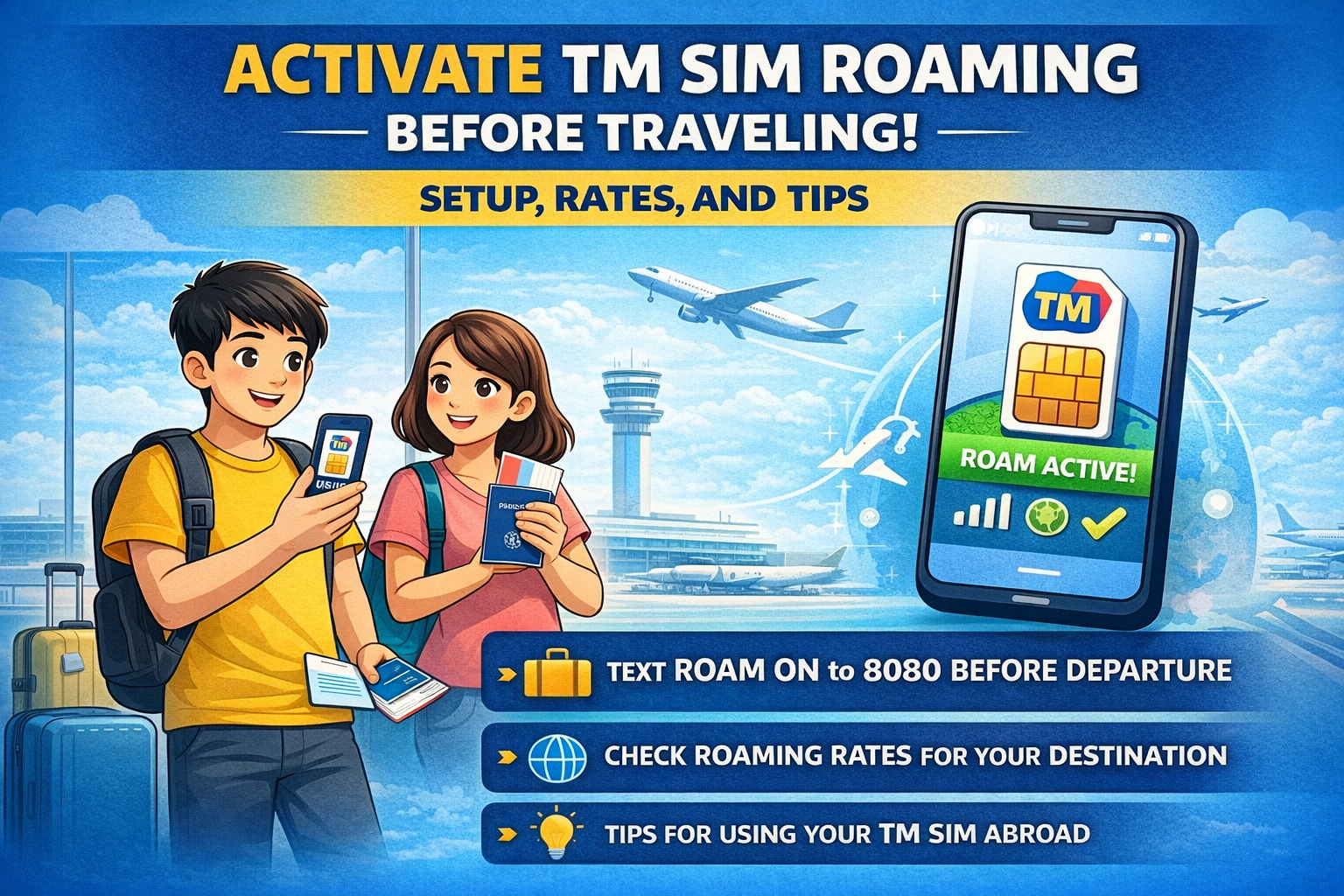
Activate TM SIM Roaming Before Traveling: Setup, Rates, and Tips
If you are traveling to another country and want to stay connected with everyone through your TM SIM, you can do that to Activate TM SIM Roaming Before Traveling: Setup, Rates, and Tips. TM SIM doesn’t just work in the Philippines—it works in almost any country around the world, although the charges may vary depending on the country.
You can easily make and receive calls and also send messages, while receiving SMS is free of charge. Now, with the TM roaming SIM card, you can travel to any country without worrying about network issues and stay in touch with your friends and family without needing to buy a foreign SIM.
This guide is designed to provide you with complete details about TM SIM roaming, including how to activate roaming, roaming rates abroad, and all other important information you need to know.
What Is TM SIM Roaming & Why Does It Matter?
TM roaming allows your Philippines-issued TM SIM card to work in other countries by connecting with foreign telecom networks. It lets you make calls, send SMS, receive OTPs, and use mobile data on your original TM SIM number while you are abroad.
Keep your TM SIM wherever you roam—no need for a new SIM card in every country. It ensures:
- Seamless communication
- Access to receive OTPs and important SMS
- Easy reconnection to the local TM network upon return
- Continued use of mobile apps linked to your PH number
Note: TM uses Globe Telecom’s international partnerships to ensure that your number stays active anywhere in the world—whether you’re in the UK, UAE, Europe, or elsewhere.
How to Roam with a TM SIM?
We should activate roaming before leaving the Philippines. Even a small issue abroad can turn into a big problem. Below are the details on how to activate TM SIM roaming.
Method 1: Via USSD Code
You can easily activate roaming using a USSD code. Follow these steps:
- Dial *143# and press the call button.
- Select Roaming & International.
- Choose Activate Roaming.
Method 2: Via GlobeOne App
You can activate your TM roaming using the GlobeOne app. Details are provided below:
- Open the GlobeOne app and log in to your account.
- Go to Roaming Services.
- Toggle TM Roaming ON.
Method 3: Roaming TM Via Text
You can use this method for activating roaming quickly without using the GlobeOne app and without taking help from customer support. This method is most convenient for travelers and prepaid users. Here are step-by-step details to do it:
- Make sure your TM SIM has at least ₱100 load balance.
- Open your messaging app and click on create a new text message.
- Type ROAM ON and Send it to 8080 (TM’s service number).
- Wait for a confirmation message from TM.
- Once confirmed, restart your phone before your flight or after landing abroad to automatically connect to a partner network.
- After connecting abroad, confirm that your network signal and data are working correctly.
Method 4: Via TM Customer Support
- Call 211 (via TM SIM) or visit a Globe Store.
- Tell them about your issue and ask them to turn on roaming.
Note: You need to activate roaming on your TM SIM at least 24 hours before your flight to use your TM SIM number in another country.
How to Use TM SIM Roaming Abroad
Here are some important tips to help you use your TM SIM card abroad:
- You don’t need a load to receive roaming signals abroad.
- You will be charged for making or receiving calls, sending texts, and registering data promos.
- To stay online abroad, you need to activate a roaming data promo.
- Register a Roam Surf offer or any other affordable roaming offer via the GlobeOne or GCash app.
- After successful registration, turn on your mobile data and then enable roaming data.
- Set your network connection to 3G and restart your mobile phone.
- Make sure you are connected to a TM partner network in the country you are visiting.
- Once the promo is successfully registered, you can set your data connection back to LTE or 5G for a better roaming experience.
How to Make Calls or Send Texts While Abroadsend
| Action | How to Dial or Send | Example |
| Call | Dial <+> <country code> <area code> <landline/mobile number> | +639151234567 |
| Text | Send message to <+> <country code> <area code> <landline/mobile number> | +639151234567 |
TM Roaming Call & Text Rates
| Action | Asia & America | Europe & Africa |
| Outgoing call | ₱120/minute | ₱150/minute |
| Incoming call | ₱60/minute | ₱75/minute |
| Outgoing text | ₱20 / 160 characters | ₱25 / 160 characters |
| Incoming text | FREE | FREE |
Countries with TM Roaming
Asia & Middle East:
Australia, Cambodia, Thailand, UAE, Qatar, Saudi Arabia, Guyana, Hong Kong, India, Indonesia, Israel, Japan, Oman, Kuwait, Afghanistan, Lebanon, Macau, Malaysia, Myanmar, New Zealand, Papua New Guinea, Singapore, South Korea, Tajikistan, Vietnam
America:
Canada, USA, Guyana, Montserrat, Uruguay, St. Vincent and the Grenadines, Dominican Republic, Guatemala
Europe:
Austria, Germany, Greece, Netherlands, Hungary,, Kazakhstan, Belgium, Switzerland
Africa:
Central African Republic, Spain, Italy, Turkey, Egypt, Mauritius, Morocco, Kenya, Mozambique, Nigeria, Zimbabwe, Equatorial Guinea
Roaming via 2G unavailable on the following networks
| Country | Network | 2G Decommission Date |
| Cayman Islands | Digicel Cayman Ltd. | – |
| Guam | PTI/IT&E | – |
| Hong Kong | Hutchison | – |
| Macau | 3Macau | – |
| Mexico | Telefónica | – |
| Netherlands | T-Mobile | – |
| Northern Marianas | IT&E | – |
| Puerto Rico | Claro | – |
| Singapore | MobileOne, Singtel, Starhub | – |
| Switzerland | Sunrise Communications | Dec 31, 2022 |
| Taiwan | Chunghwa, Taiwan Mobile, Far Eastone | – |
| USA | AT&T | – |
Roaming via 3G unavailable on the following networks
| Country | Network | 3G Decommission Date |
| Australia | Telstra | – |
| Bahrain | Zain | – |
| Cambodia | Smart Axiata | – |
| Czech Republic | O2, T-Mobile, Vodafone | – |
| Germany | Telefónica | – |
| Greece | Cosmote | – |
| Greece | Vodafone | Dec 2022 |
| Hungary | Vodafone | Apr–Nov 2022 |
| Indonesia | XL Axiata, Telkomsel Indonesia | – |
| Ireland | Vodafone | Dec 31, 2023 |
| Italy | TIM | – |
| Lithuania | Telia | Sep 2022 |
| Macedonia | Makedonski Telecom | Dec 31, 2022 |
| Malaysia | Celcom, Digi Telecom Malaysia, Maxis Malaysia, U Mobile | – |
| Netherlands | Vodafone, KPN | – |
| Norway | Telenor | – |
| Puerto Rico | Claro | Q4 2023 |
| Romania | Telekom Romania | – |
| Taiwan | Far Eastone, Chunghwa Telecom | Jun 2024 |
| USA | AT&T | – |
| Vietnam | Viettel | – |
Temporarily deactivated roaming service:
Pakistan, Swaziland, Benin, Burundi, Gambia, Mongolia, Mozambique
Limited roaming services (text and incoming calls only; outgoing calls unavailable)
Asia & Middle East:
Azerbaijan, Bahrain, Bangladesh, Bhutan, Brunei, China, Fiji, Guam, Guinea, Iran, Iraq, Jordan, Maldives, Micronesia, Mongolia, Nauru, Nepal, Palestine, Saipan, Sri Lanka, Taiwan, Uzbekistan, Yemen
America:
Argentina, Barbados, Bermuda, Bolivia, Brazil, Chile, Colombia, Costa Rica, Cuba, Dominica, Dominican Republic, Ecuador, Greenland, Grenada, Haiti, Honduras, Jamaica, Mexico, Nicaragua, Panama, Paraguay, Peru, Puerto Rico, Venezuela
Europe:
Albania, Armenia, Belarus, Belgium, Bulgaria, Denmark, Estonia, Faroe Islands, Finland, France, Georgia, Gibraltar, Guernsey, Iceland, Ireland, Isle of Man, Jersey, Latvia, Liechtenstein, Lithuania, Macedonia, Malta, Moldova, Norway, Poland, Portugal, Romania, Russia, San Marino, Serbia, Slovakia, Slovenia, Sweden, Switzerland, Ukraine, United Kingdom
Africa:
Algeria, Andorra, Angola, Benin, Bosnia, Botswana, Burkina Faso, Burundi, Cameroon, Cape Verde, Central African Republic, Ethiopia, Gabon, Ghana, Guinea, Guinea-Bissau, Kenya, Lesotho, Liberia, Libya, Madagascar, Malawi, Mali, Morocco, Namibia, Niger, Nigeria, Senegal, Seychelles, Sierra Leone, South Africa, Sudan, Swaziland, Tanzania, Togo, Tunisia, Uganda, Zambia
Check TM SIM Roaming is Activated or Not
If you receive this confirmation message:
“You have successfully activated TM Roaming. You can now use your TM SIM abroad.”
It means that roaming has been successfully activated on your mobile phone. You can also verify this by restarting your phone once you arrive at your destination. If your phone shows a signal and connects to a local network, it means roaming is active.
How to Deactivate TM Roaming
If you return to the Philippines after completing your trip or business abroad, type ROAM OFF and send it to 8080. Your SIM will automatically reconnect to the Philippine network and start working again.
Note: You don’t need to manually deactivate roaming—your SIM will automatically stop roaming once it detects you’re back in the Philippines. However, turning it off yourself adds an extra layer of assurance against unexpected charges.
Expert Tips to Use TM Roaming Smartly
Here are some essential tips to help you live comfortably in the Philippines while keeping your expenses low:
- Connect to WiFi whenever available
- Keep data roaming off unless it’s absolutely necessary.
- Send SMS replies only for urgent matters
- Check your roaming balance through *143# or the GlobeOne App.
- Save offline maps and translation tools before your trip.
Conclusion
TM SIM Roaming is one of the more convenient options to connect with when abroad. You can call, text, and access mobile data with your regular TM number in supported countries without buying a local SIM. You can easily manage your load with options like Roam Surf and GoRoam to avoid sudden charges.
Speaking from my experience, TM SIM Roaming was a lifesaver during my trip to the USA. I could coordinate with friends and family, move with maps, and even keep track of work emails without giving any thought that somehow the network may fail. TM SIM Roaming gave me peace of mind and allowed me to enjoy my trip without the usual stress.